
The AI relocation platform for international students.Launching first in China.
Personal plan, visa checklist, curated city map, native-audio phrasebook and an in-app community.
- 3
- Languages, equal
- 200+
- Universities mapped
- 100+
- Phrases with audio


From offer letter to settled in — one calm route.
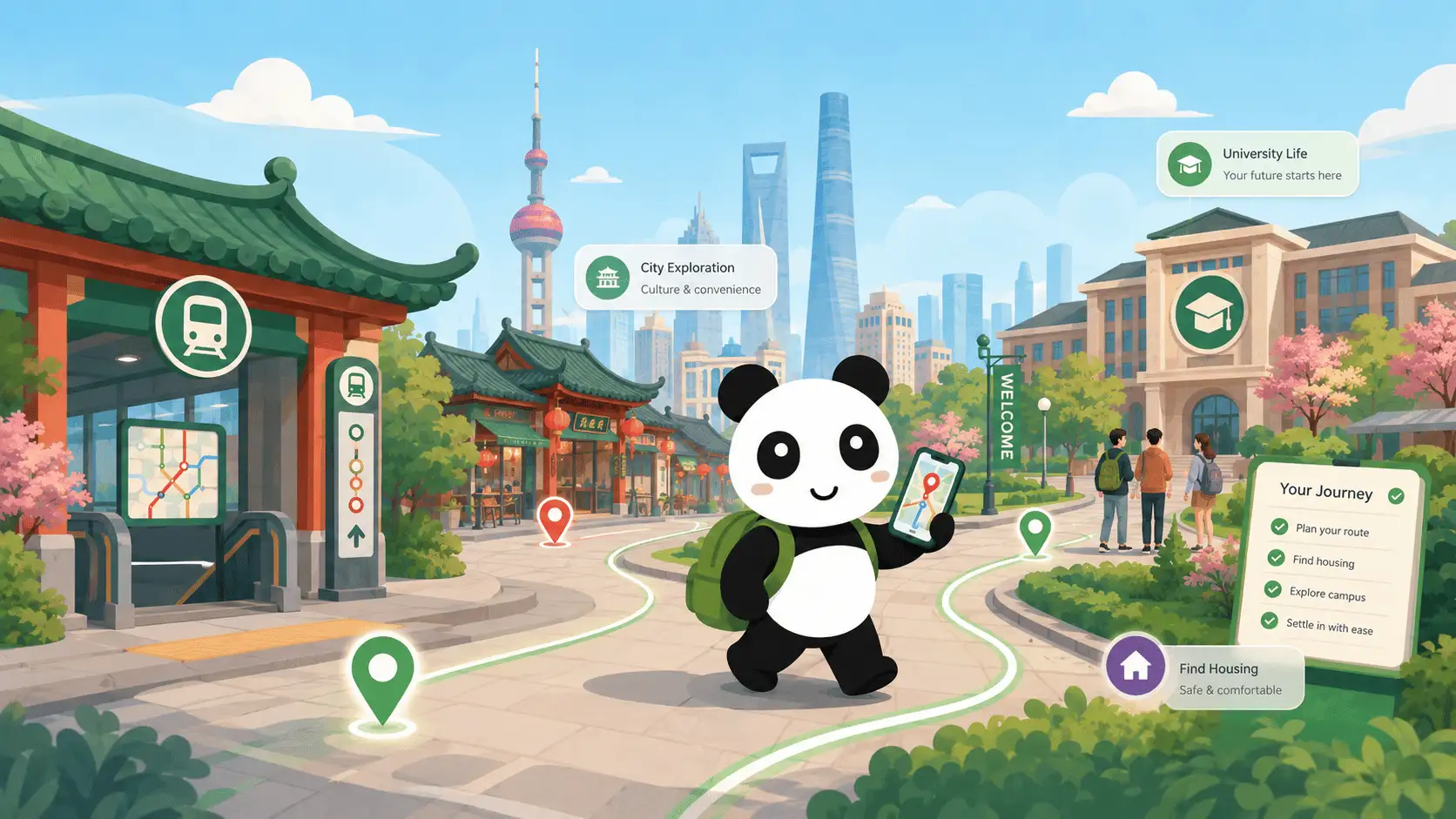
Qiao maps the whole journey: visa paperwork before you fly, police registration in 24 hours of landing, dorm setup on day one, banking and SIM in the first week, campus orientation, and a phrasebook you can actually hear out loud.
A daily home, a personal guide, and an AI helper that knows you
Three screens that show what Qiao actually feels like.


Daily home
Streak, daily 30-XP goal, next level milestone, achievements and your next checklist task — all on one screen.


Personal guide + map
Phased "from arrival to feeling at home" plan, plus a tappable map with curated places by city and category.


Ask Qiao
Streaming, context-aware answers in your language. Multi-thread chats — keep your visa stuff separate from your foodie questions.


Qiao Community
City and university rooms, direct messages, private groups, voice notes and video circles. Newcomers helping newcomers, in three languages.
A helper that already knows your situation
The assistant streams answers in real time — your city, role, Chinese level and checklist progress are already in context. No repeating yourself.

Three questions. One clear plan.
Tell us who you are, when you arrive, and what you care about. We turn that into a checklist, reminders, and a city guide tuned to your situation.
- 1
Answer a short onboarding
Role, city, university, arrival status, Chinese level, priorities — all optional, all editable later.
- 2
Get your personal plan
A checklist prioritised for your first week, reminders pinned to real deadlines, and a city-specific guide.
- 3
Use Qiao day-to-day
Tap a phrase to hear it. Ask the AI anything. Update your plan as life changes.
Available for iOS and Android — beta this autumn
We're putting the final touches on Qiao. The beta opens this autumn and the full version ships in winter — the launch button arrives the moment store reviews clear.


Be the first to land calmly.
Qiao is almost ready: beta this autumn, full version in winter. iOS and Android launch together. Subscribe on Telegram or LinkedIn — or drop us your email — and we'll ping you the moment the apps go live.
Free during the beta. No spam — one announcement when the apps are live.